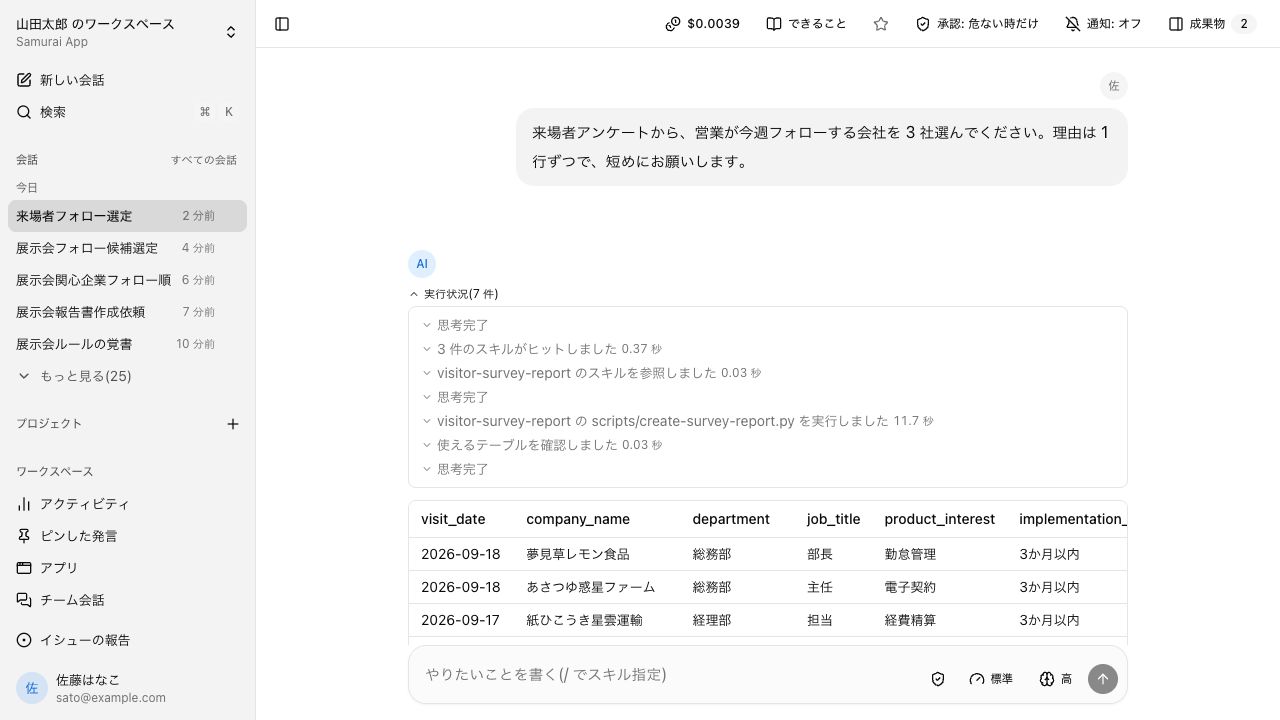
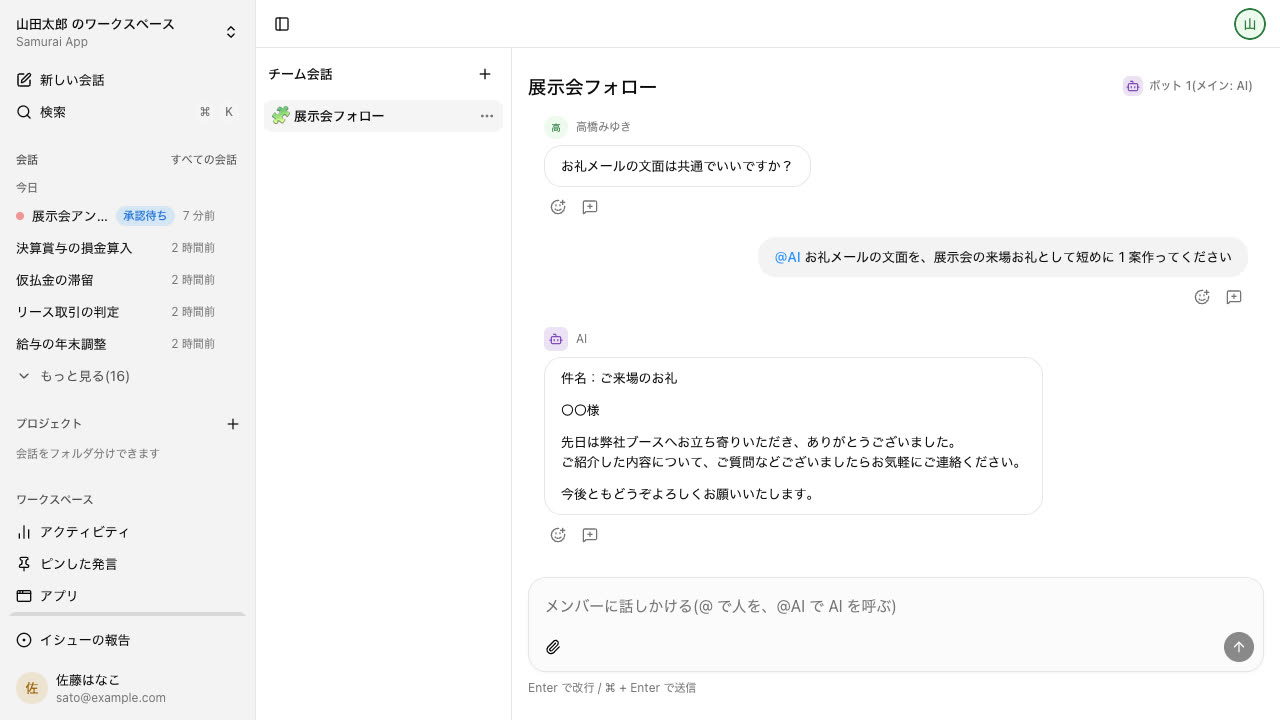
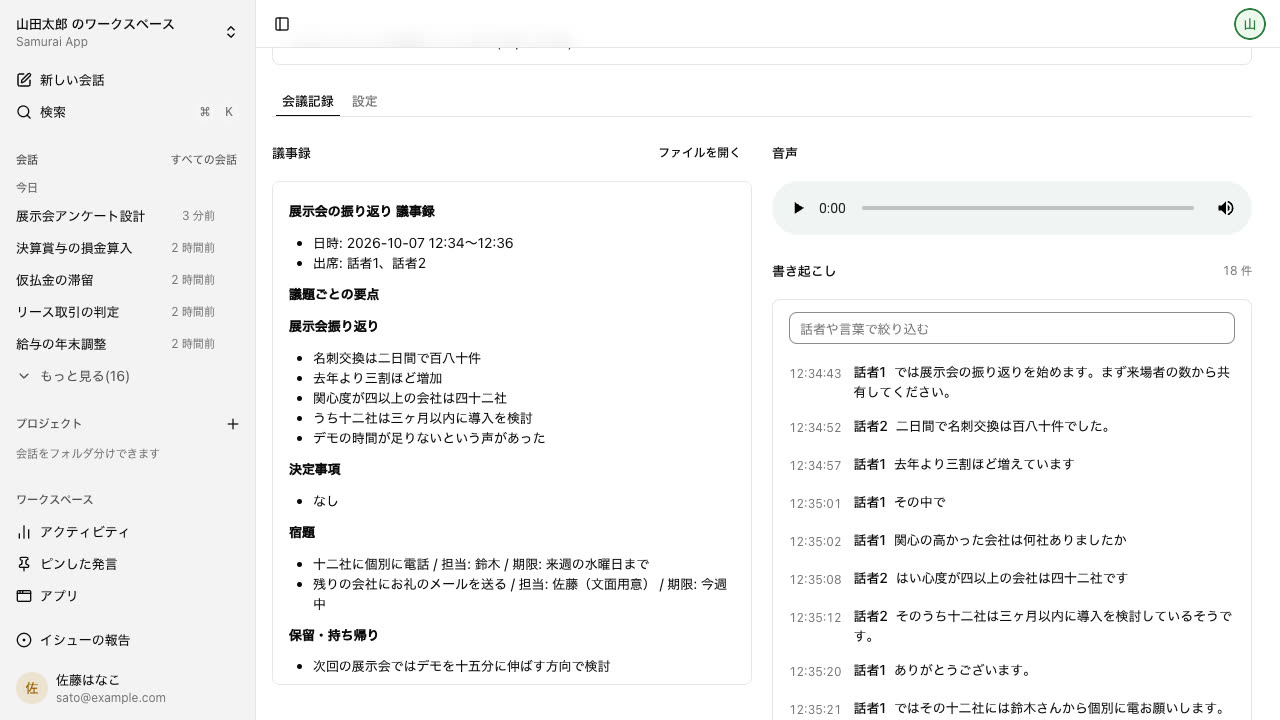
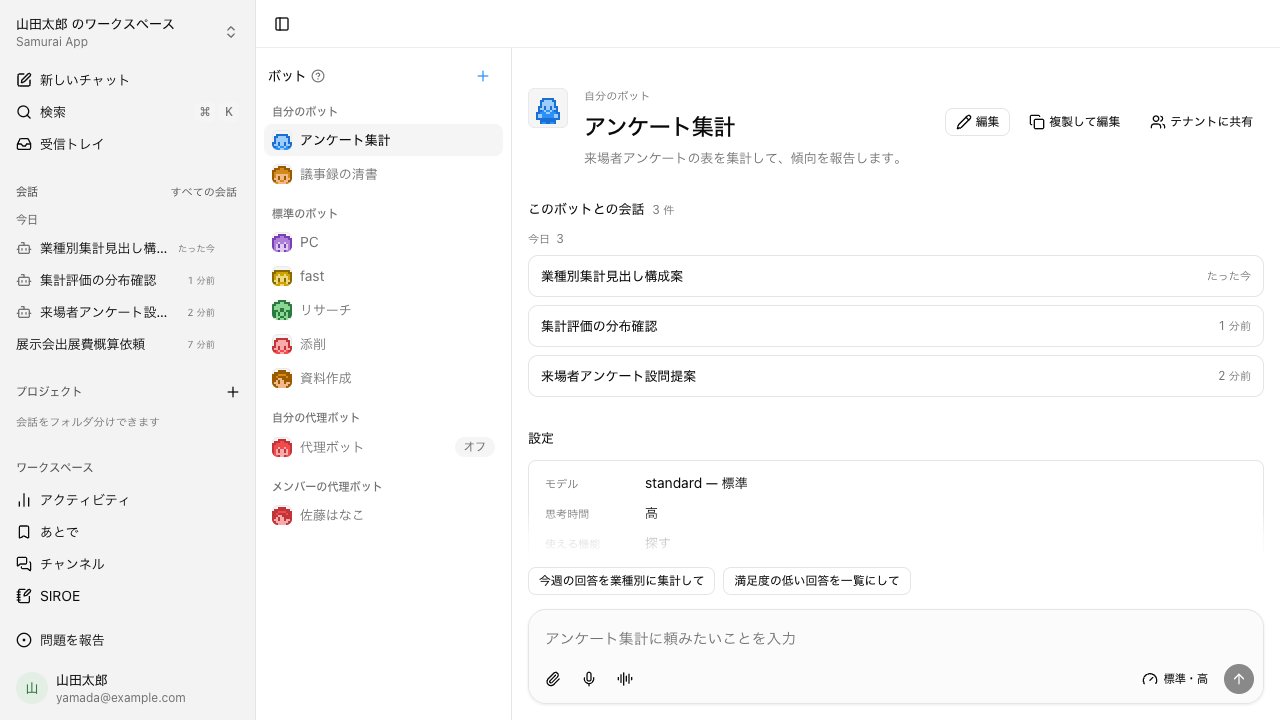
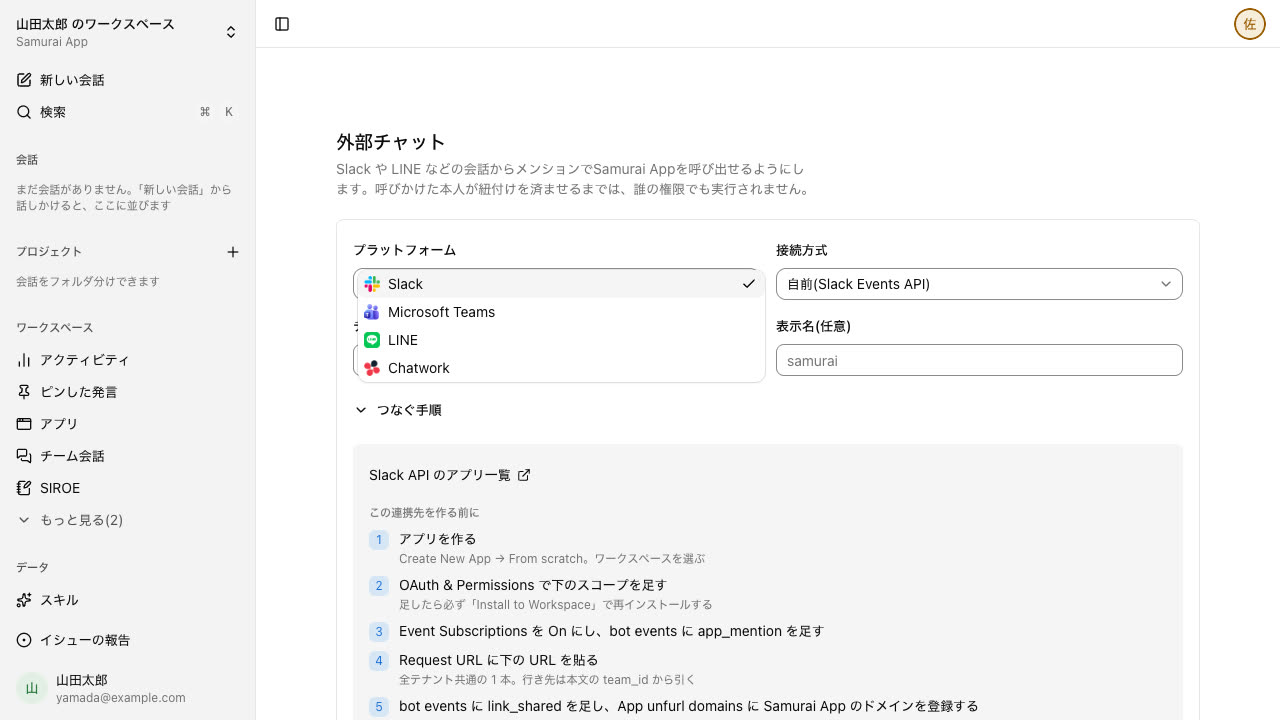
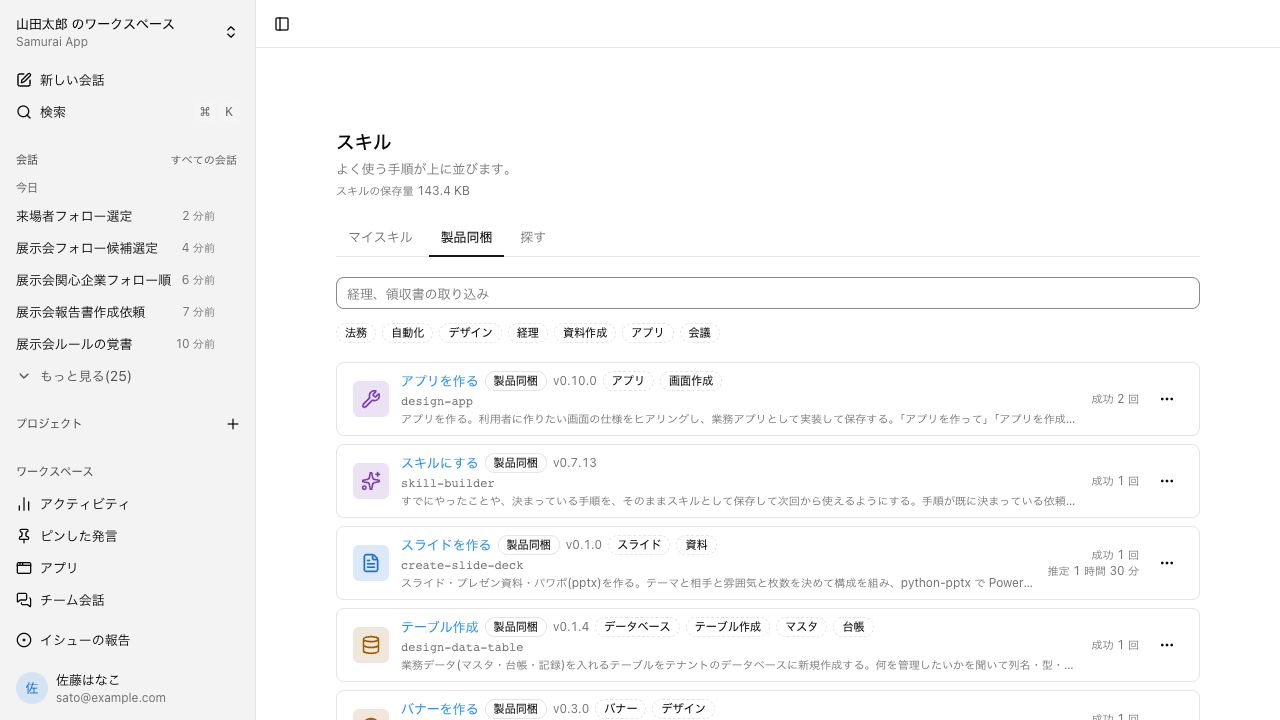
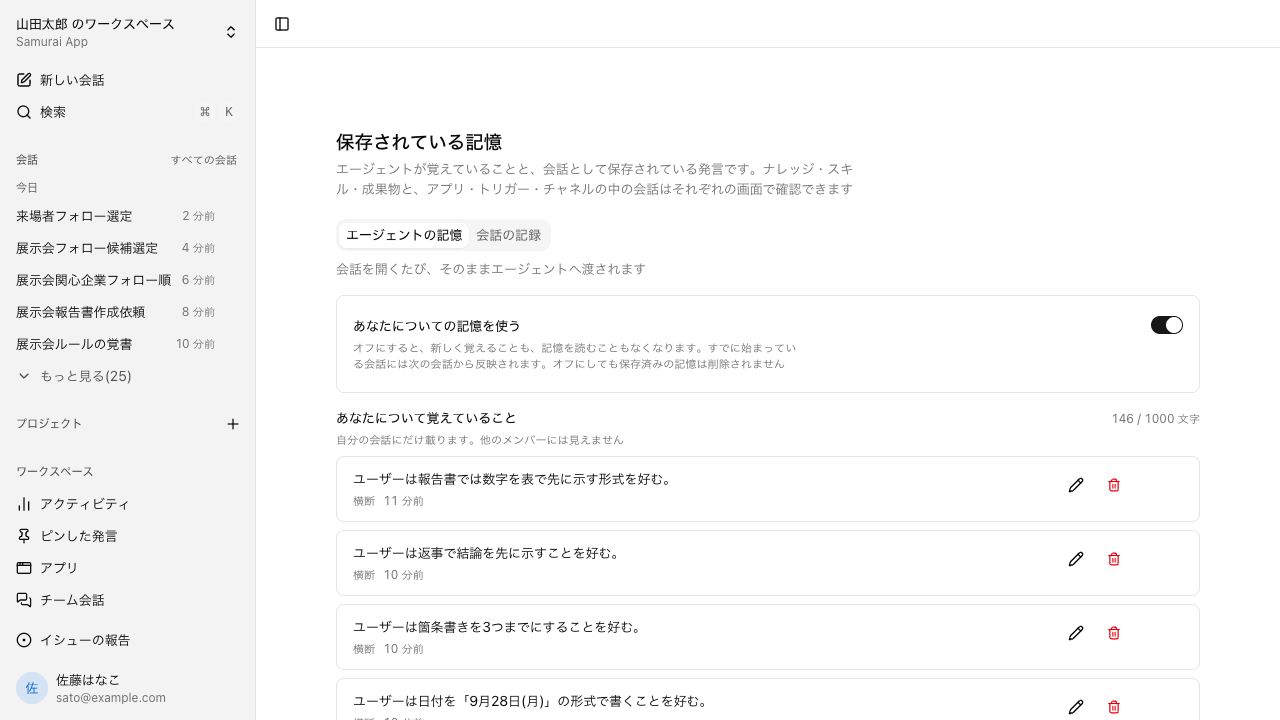
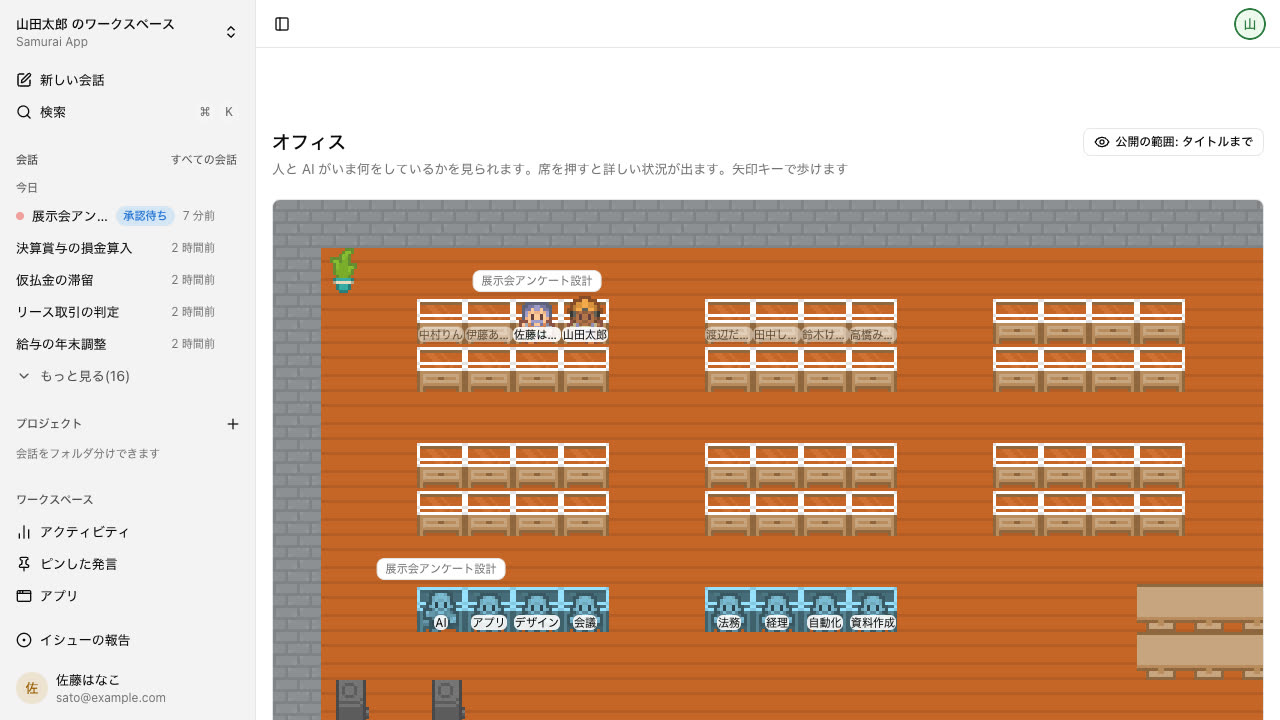
The place to ask, in your own words, for what you want done. Depending on the request, it picks a procedure suited to the business area, such as legal or accounting, and moves forward.
When to use it
Even when you don't know where to start, begin by asking in a conversation. Most other features can be used from a conversation too.
What makes it useful
Ask right away, with no setup
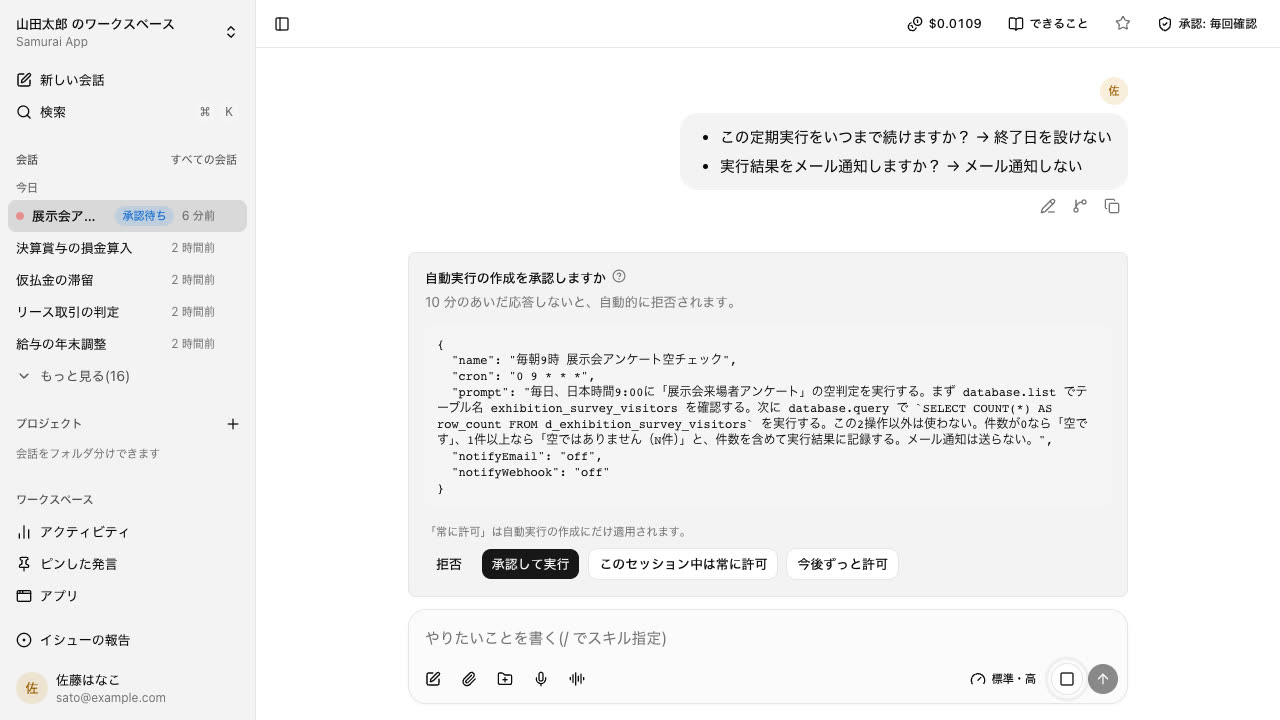
If details are missing, it asks back with options
Research comes with sources, and it builds tables and documents on the spot
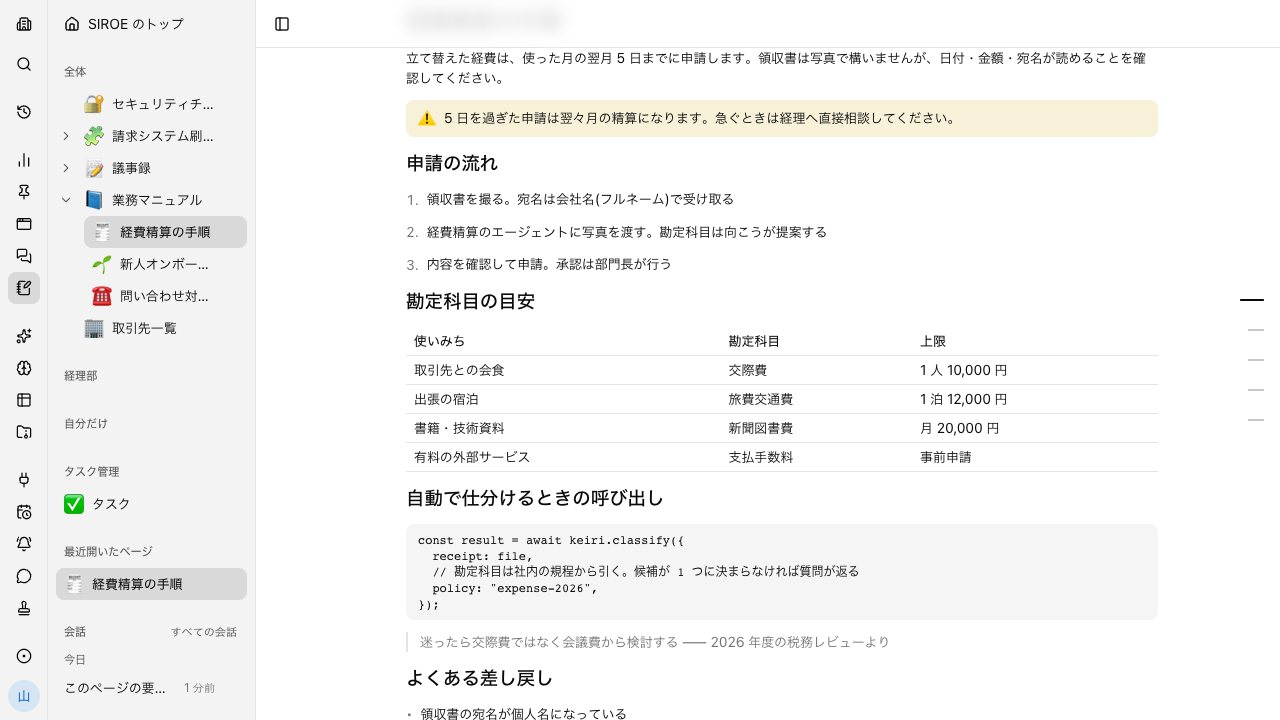
An internal wiki that handles SIROE pages, SIROE task management, and SIROE canvas in one place. Agents read and write within the same permissions as people.
When to use it
When you want to gather documents and progress per project. When you want to keep minutes and procedures in a form you can find later.
What makes it useful
Ask in a conversation beside the page while you read it, and what you asked stays on the page
Switch between kanban, Gantt chart, and table as different views of the same cards
Create pages and task boards from a conversation
What you can do
Pages
Write by stacking rows such as headings, tables, and code. Arrange pages in a hierarchy to keep them organized.
Task boards
Switch among kanban, Gantt chart, and table to view the same cards. You can also make AI the assignee.
Canvas
A place to think within the same page, where you can put sticky notes, shapes, handwriting, and arrows.
Lets the agent operate things that have a screen on a person's behalf. Beyond a cloud browser and computer, it can reach your own machines too.
When to use it
When you need to handle a screen with no API, or a system reachable only from inside the company. When you want to use software that runs only on that machine.
What makes it useful
Handles screens that require a login, and only the logged-in cookies are passed
Enter just one step yourself, like two-factor authentication, and leave the rest to it
On your own machine, it reads and writes only inside folders you allow
What you can do
Cloud browser
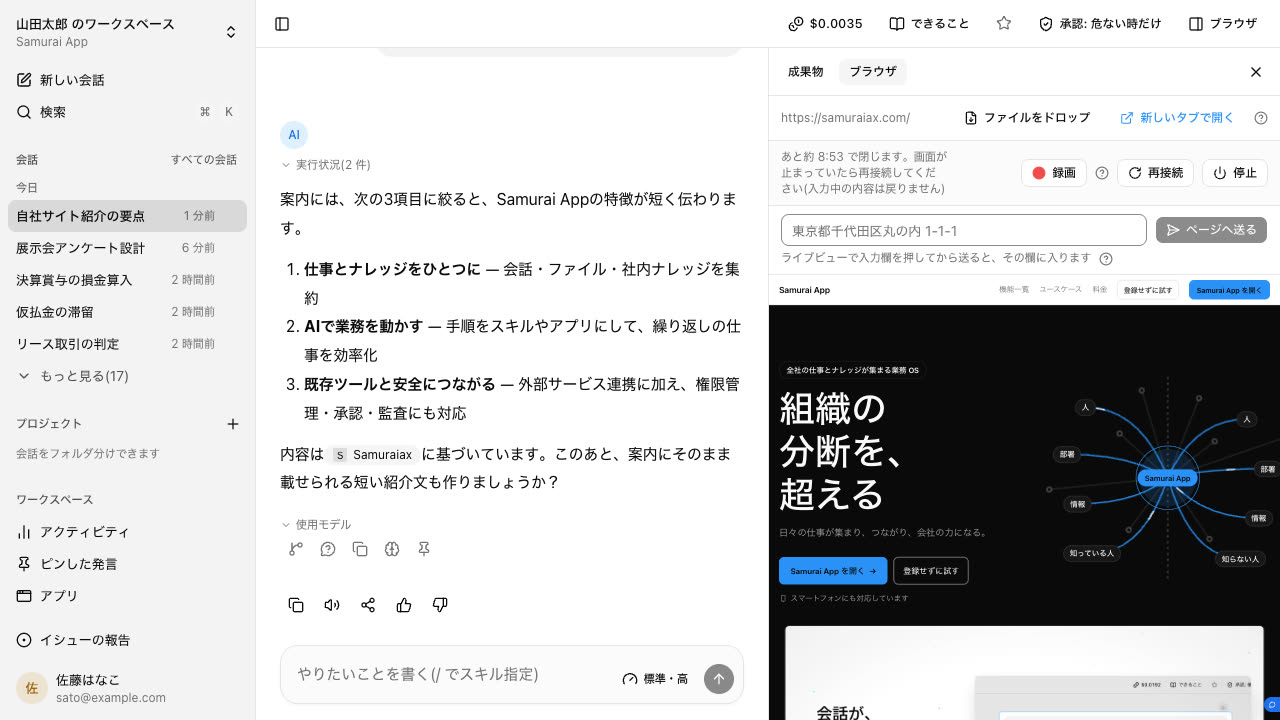
Opens and operates pages in a cloud browser. You can watch the screen as it works and step in yourself.
Cloud computer
A cloud computer shared by members. Files and installed tools persist across conversations, and desktop apps can be used too.
Local browser
Drives Chrome or Edge on your own machine. Internal systems unreachable from outside can be operated through your local browser.
Local computer
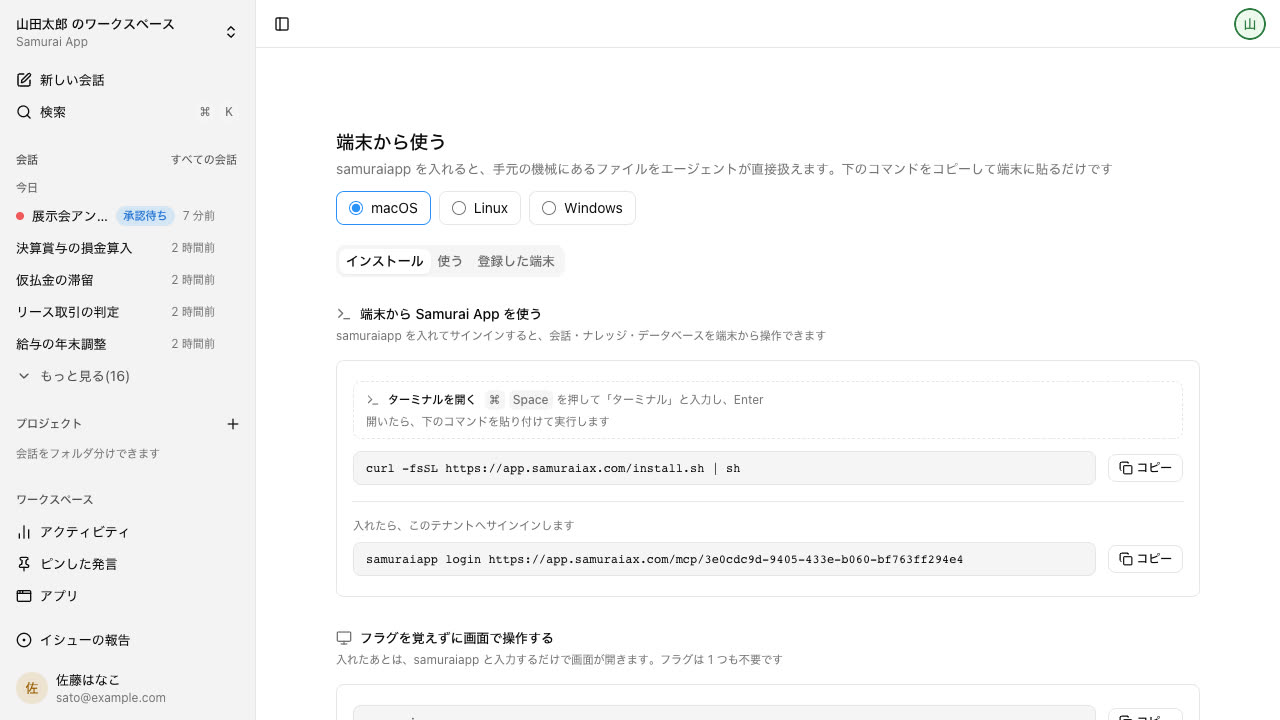
Keep a resident program running on a device, and it can read and write folders you allow and run software that only works on that machine.